


I-Max Touch 3D
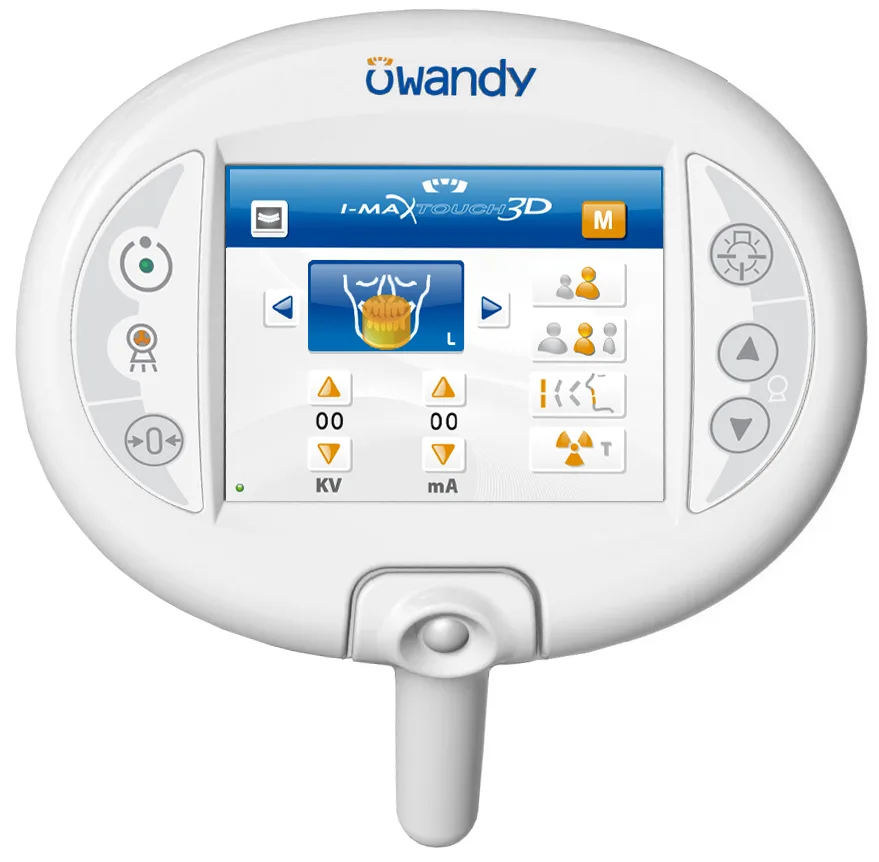
The I-Max Touch 3D was Owandy Radiology's intuitive turnkey solution: a 3D panoramic unit driven by a touchscreen, designed as a truly versatile diagnostic tool. It covered every examination a practice needs in very high definition — from the standard panoramic image to a full-jaw 3D volume in a single exposure.
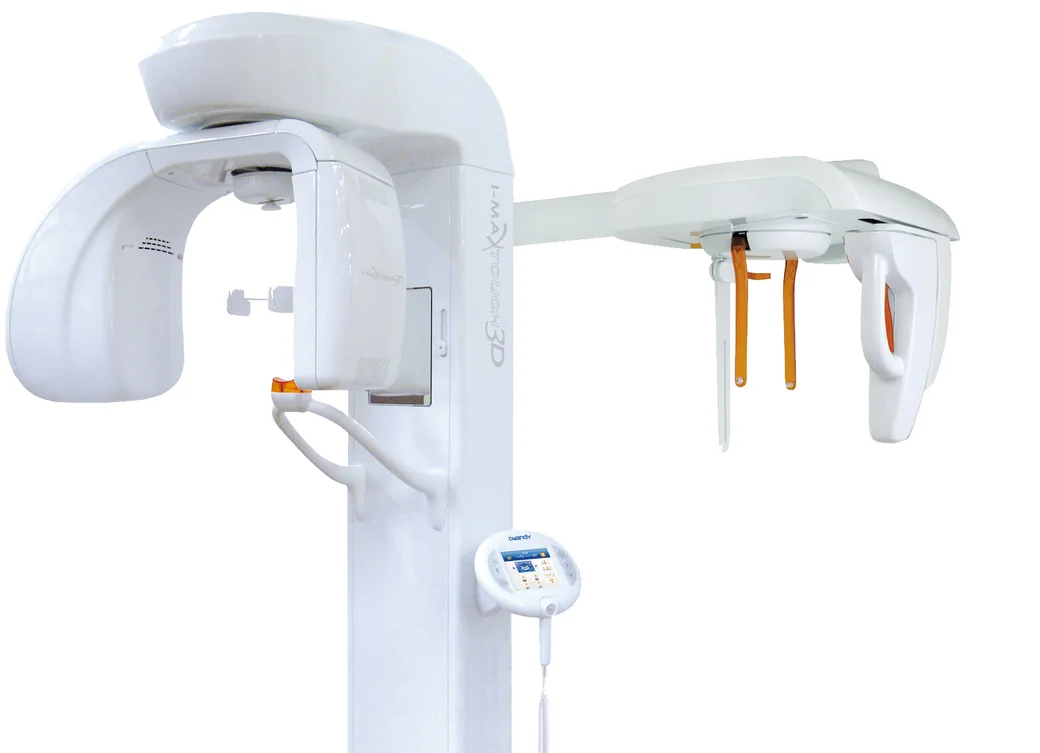
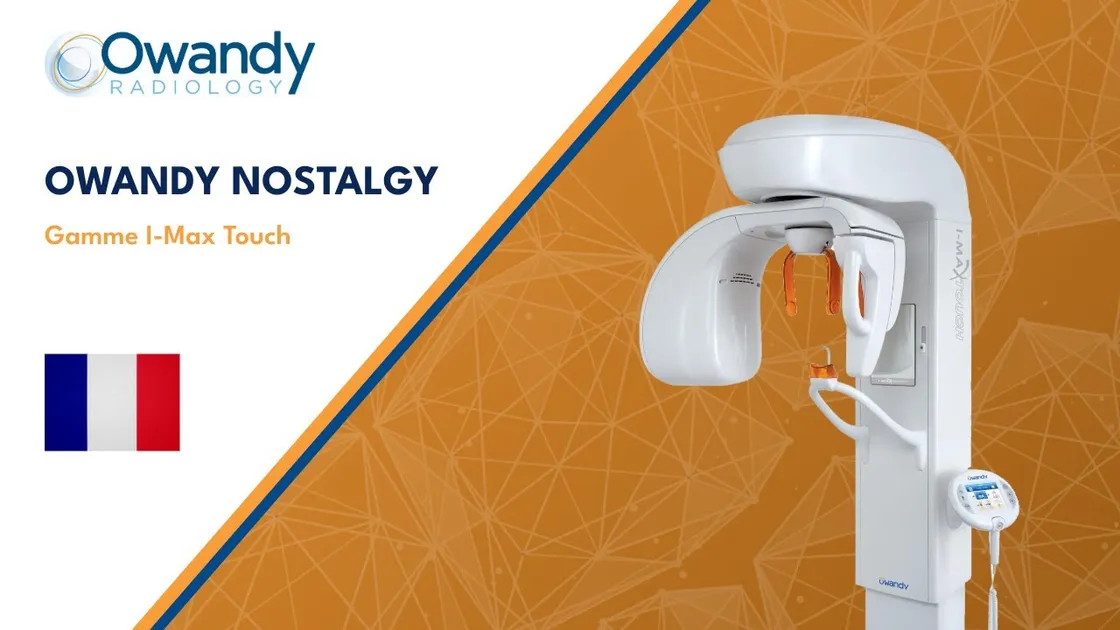
The I-Max Touch range on video
An overview of the I-Max Touch range and what it can do: the radiography formats — panoramic, cephalometric, carpus —, the software and how images are used.
The video covers the whole range: Touch, Touch 3D and cephalometric versions.
ALI-S — sharpness, automatically
Thanks to the ALI-S system (Automatic Layers Integration System), the unit automatically selected the best layers to display a sharp, high-contrast image with no operator input. Paired with the QuickVision 3D software, it enabled implant planning and the creation of print-ready surgical guides (.stl export) without an optical impression camera: the plaster or silicone cast was scanned directly by the unit.
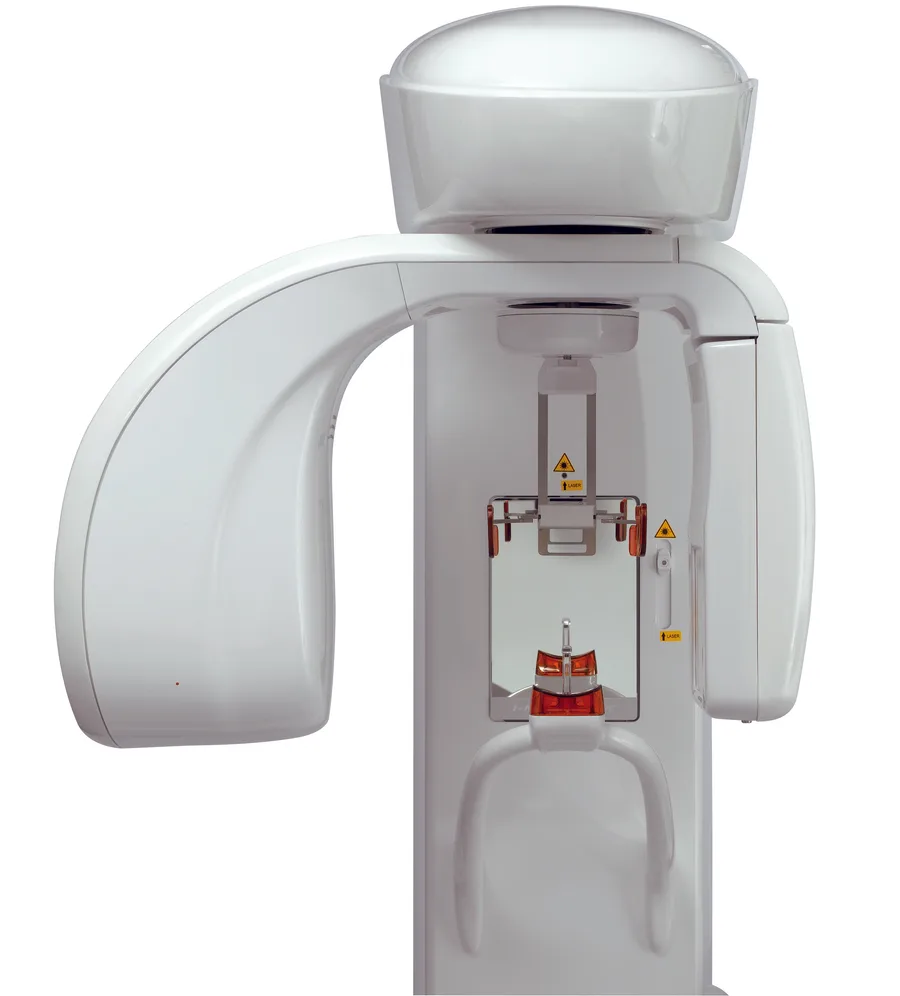
Key features
ALI-S image processing
Automatic selection of the best layers, high-definition image with strong contrast.
Type
2D / 3D digital panoramic unit, upgradeable to cephalometry.
Control
Touchscreen built into the unit.
3D acquisition
Full jaw in a single exposure · localised volumes for left / right premolars and molars.
Software
QuickVision / QuickVision 3D — slices, bone model, density, implant simulation.
CAD/CAM
Scanning of plaster / silicone casts · .stl export of surgical guides.
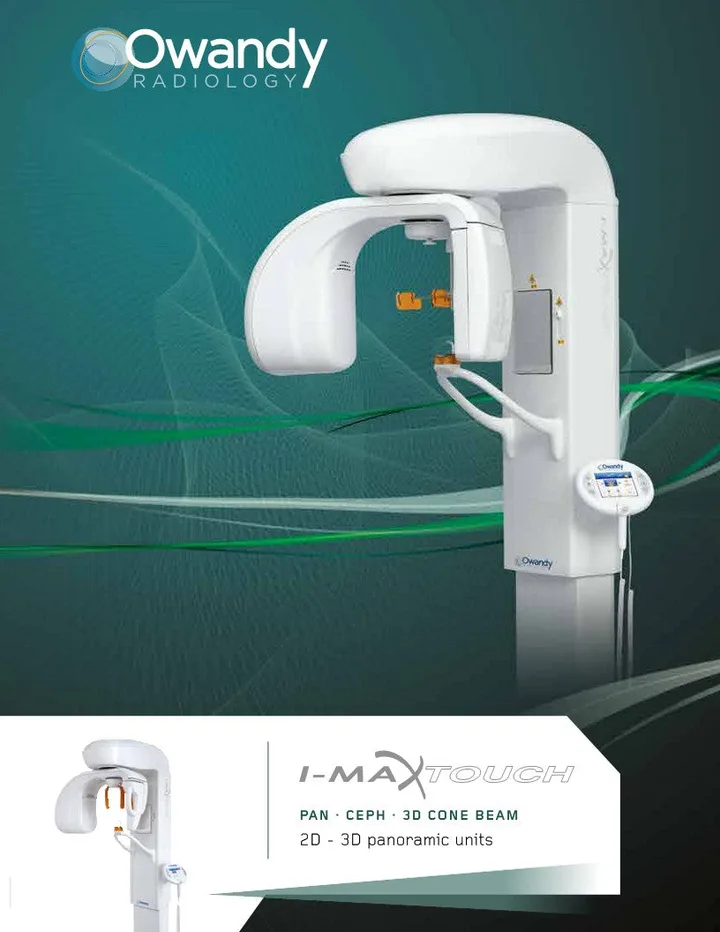
I-Max Touch 3D documentation
User manuals are available in five languages, in PDF format.
User manual — English
Rev. 4 · ref. 6906911203Manuel de l'utilisateur — Français
Rév. 3 · réf. 6906911303Manuale dell'utente — Italiano
Rev. 3 · rif. 6906911003Manual de usuario — Español
Rev. 3 · ref. 6906912003Instrukcja obsługi — Polski
Rev. 1 · nr 6906912103For any other documentation, please contact our technical support.
FAQ
Frequently asked questions from I-Max Touch 3D users.
01.Can my I-Max Touch 3D still be repaired?
Yes. The product is no longer sold, but our network of technicians continues to provide support. Contact technical support and quote your unit's serial number.
02.Where can I find the I-Max Touch 3D user manual?
The user manuals are available above in five languages (French, English, Italian, Spanish, Polish), in PDF format.
03.Can I still create surgical guides with this unit?
Yes: the .stl export from QuickVision 3D still works — print the guide in-house or through a service provider.
04.What should I replace my I-Max Touch 3D with?
Its direct successor is the I-Max 3D XPRO, which carries over the upgradeable 2D/3D concept with a new-generation sensor and a smaller footprint (67 kg wall-mounted).
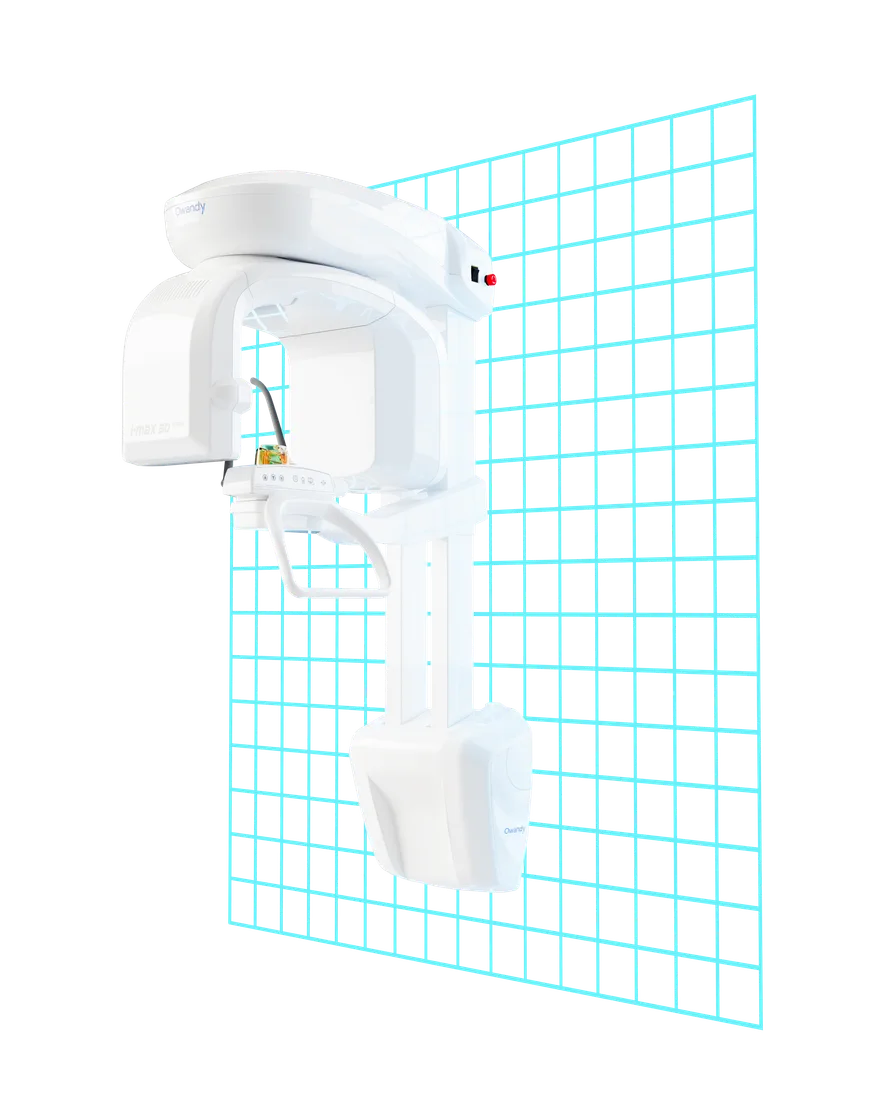
The successor: I-Max 3D XPRO
The natural replacement for the Touch 3D keeps everything that made it a success — 2D/3D versatility, ceph upgradeability, the surgical-guide workflow — and adds:
- Super IGZO sensor (TRUEVIEW ART · FOCUS Scintillator · DEPAI AI denoising)
- Fields of view from 16×11 to 5×5 cm, voxel down to 70 µm
- 67 kg wall-mounted — it fits where the Touch never could

I-MAX 3D XPRO
LEARN MORE >> I-MAX 3D XPRO
I-MAX 3D CEPH XPRO
LEARN MORE >> I-MAX 3D CEPH XPRO
I-MAX CEPH PRO
LEARN MORE >> I-MAX CEPH PRO
I-MAX PRO
LEARN MORE >> I-MAX PRO
OWANDY CR
LEARN MORE >> OWANDY CR
CAPTEUR OPTEO
LEARN MORE >> CAPTEUR OPTEO
CAPTEUR ONE
LEARN MORE >> CAPTEUR ONE
OWANDY IOS
LEARN MORE >> OWANDY IOS
OWANDY-RX DC
LEARN MORE >> OWANDY-RX DC
OWANDY RX PORTABLE
LEARN MORE >> OWANDY RX PORTABLE
QUICKVISION
LEARN MORE >> QUICKVISION
QUICKVISION 3D
LEARN MORE >> QUICKVISION 3D
CEPH ANALYSIS
LEARN MORE >> CEPH ANALYSIS
I-MAX 3D XPRO
LEARN MORE >> I-MAX 3D XPRO
I-MAX 3D CEPH XPRO
LEARN MORE >> I-MAX 3D CEPH XPRO
I-MAX CEPH PRO
LEARN MORE >> I-MAX CEPH PRO
I-MAX PRO
LEARN MORE >> I-MAX PRO
OWANDY CR
LEARN MORE >> OWANDY CR
CAPTEUR OPTEO
LEARN MORE >> CAPTEUR OPTEO
CAPTEUR ONE
LEARN MORE >> CAPTEUR ONE
OWANDY IOS
LEARN MORE >> OWANDY IOS
OWANDY-RX DC
LEARN MORE >> OWANDY-RX DC
OWANDY RX PORTABLE
LEARN MORE >> OWANDY RX PORTABLE
QUICKVISION
LEARN MORE >> QUICKVISION
QUICKVISION 3D
LEARN MORE >> QUICKVISION 3D